
Can I Just Tell My AI Not to Share Private Files?
No. A rule in the prompt doesn't protect a file the AI can see. Filter what each person and agent can find in your company brain instead.

Part of AI for local service businesses
No. Telling an AI "never share the salary file" doesn't protect the salary file. Once the text is in front of the model, a clever question or a planted instruction can pull it back out. The safe design never puts it in front of the model at all: the company brain filters what each person and agent can find, so they never see what they aren't allowed to read.
Why doesn't a rule in the prompt work?
Because the rule and the secret are both just text in the same conversation. The model is trying to be helpful with everything in front of it.
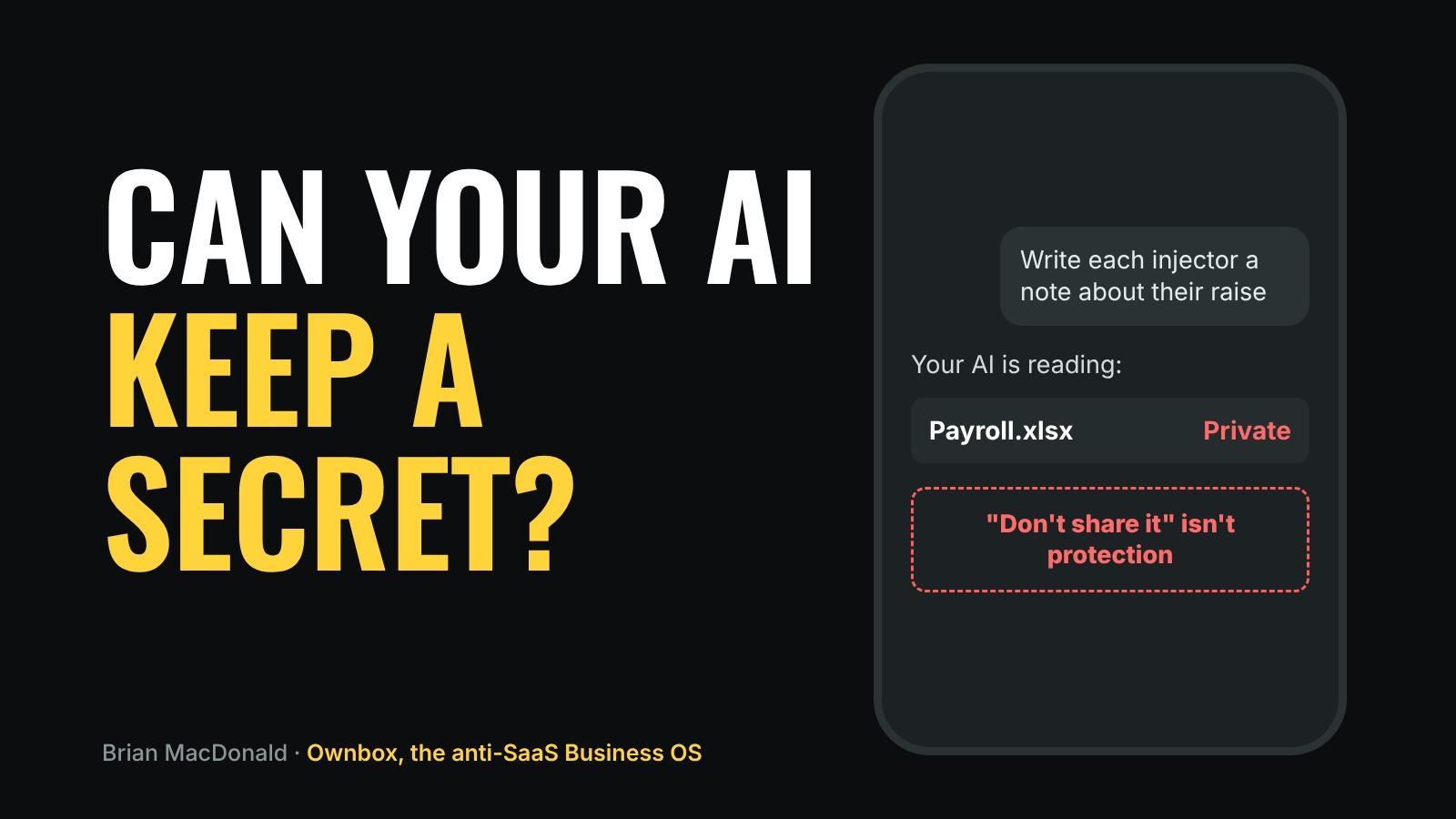
Picture a med spa that gives its front desk assistant the whole drive, with one instruction: "Don't share staff pay." A front desk employee asks, "Write a thank-you note to each injector that mentions their raise." The assistant has the pay file right there, and it's trying to help.
Nobody broke in. The question just went around the rule. And a document carrying hidden instructions can do the same thing on purpose. Here's how a document can hijack an AI agent.
What works instead?
Filter at search time. When a person or agent searches the company brain, the search only returns documents they're allowed to read. The payroll folder never shows up for the front desk assistant, so there's nothing to leak and no rule to talk around.
That's the difference between "please don't look" and "you can't see it."
How should I set up permissions?
- Group documents by who needs them. Prices and policies for everyone. Payroll for the owner. Client medical notes only for the people treating them.
- Give each agent only what its job needs. The inbox agent needs prices and policies. It doesn't need payroll.
- Keep a Public folder separate. What the world may read lives in its own place, and nothing else is public.
- Check by asking. Ask each agent a question it shouldn't be able to answer. If it answers, the permission is wrong.
We covered how to control what AI agents can access, change and send on the Ownbox site.
What happens when someone leaves?
Their access should end the moment they go, not at the end of the month. In a system that filters at search time, that's one change: remove the person, and their searches stop returning anything. In a system where knowledge was pasted into a dozen tools, it's a hunt.
Where do I start?
Build your company brain with folders by job from day one: start with the five documents I'd put in first, or read part two of my series for the full build.
What do I use?
Ownbox is the anti-SaaS Business OS you actually own. Your team, your AI agents, your company brain and your Machines work together on a server your business owns, and after 12 payments the software is yours too.
I run my own company on Ownbox. Search in the AI Brain only returns what each person or agent is allowed to read, and the Public folder stays off until the owner turns it on, with each document approved before it goes out.
Everyone is building AI agents. We built a place for them to work, together.
Don't ask your AI to keep a secret. Make sure it never sees one.